
What's new in Unthread for April 2026

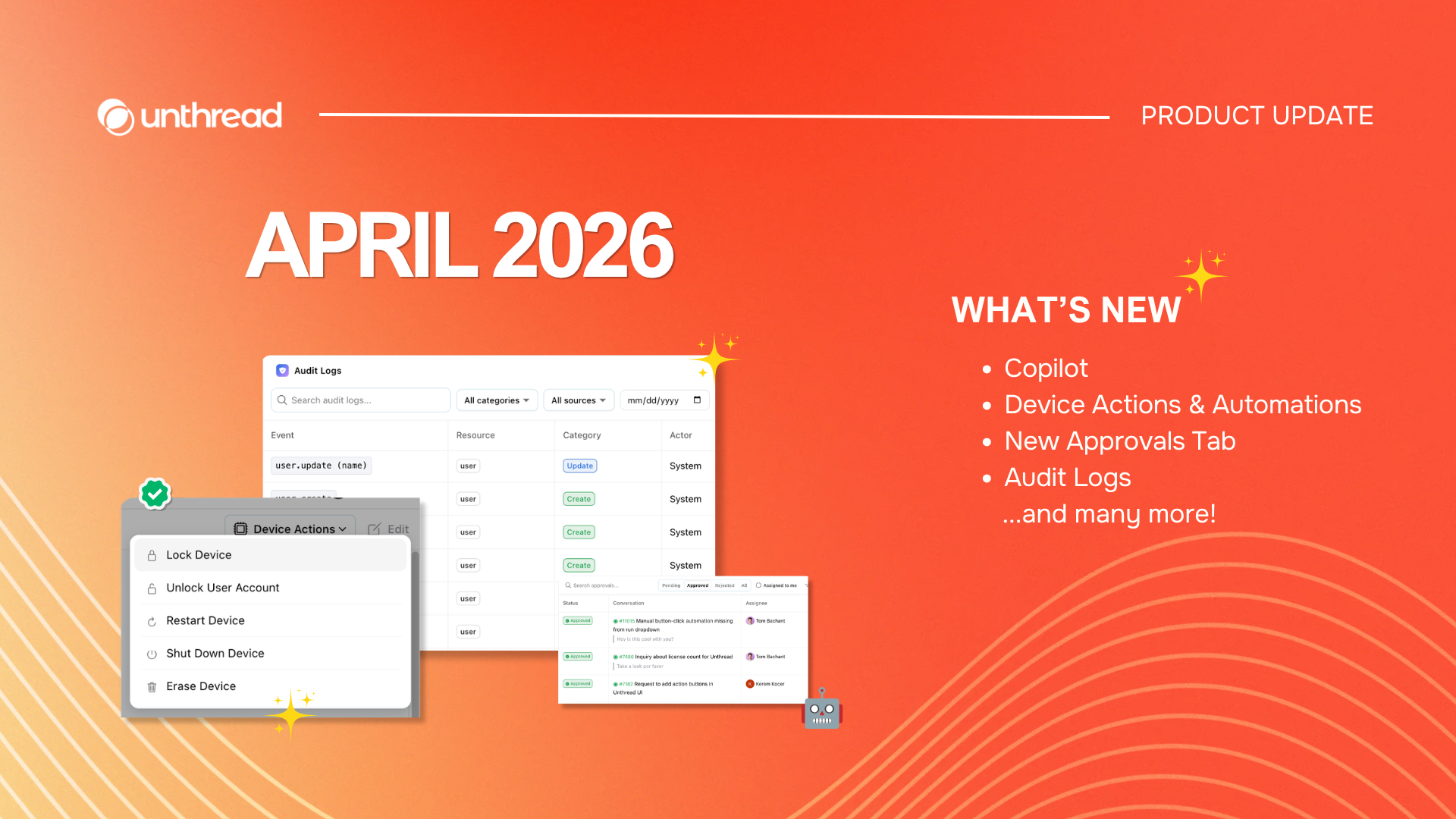
NOW IN PRIVATE BETA:
Copilot: Your Own Tier 2 AI Agent in Unthread
The Unthread Copilot is an AI agent built into your admin dashboard that lets you do everything from managing your inbox, to building automations, to configuring your account settings.
We're keeping this hush hush for now and giving access to users on a first-come first-serve basis, so let us know if you want to be added to the list:
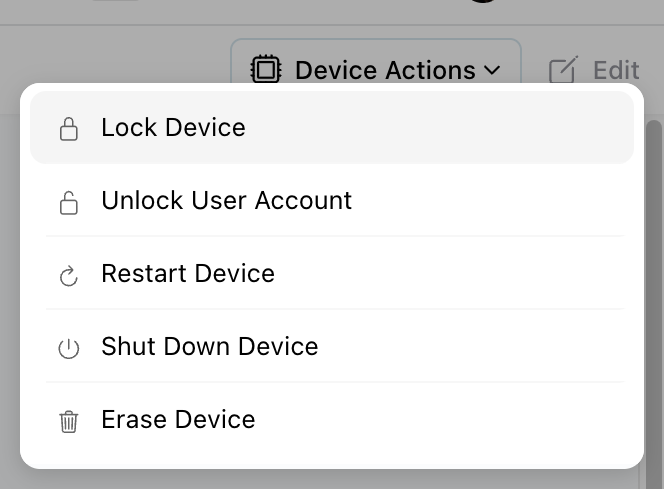
Device Actions & Automations
You've likely already seen our Asset management feature, which can integrate with tools like Jamf, JumpCloud, Iru/Kandji – just to name a few.
Now, you can take actions like lock, restart, or erase on user devices directly from your Unthread dashboard, so you can resolve issues faster without switching tools.
New Approvals Tab in Admin Dashboard
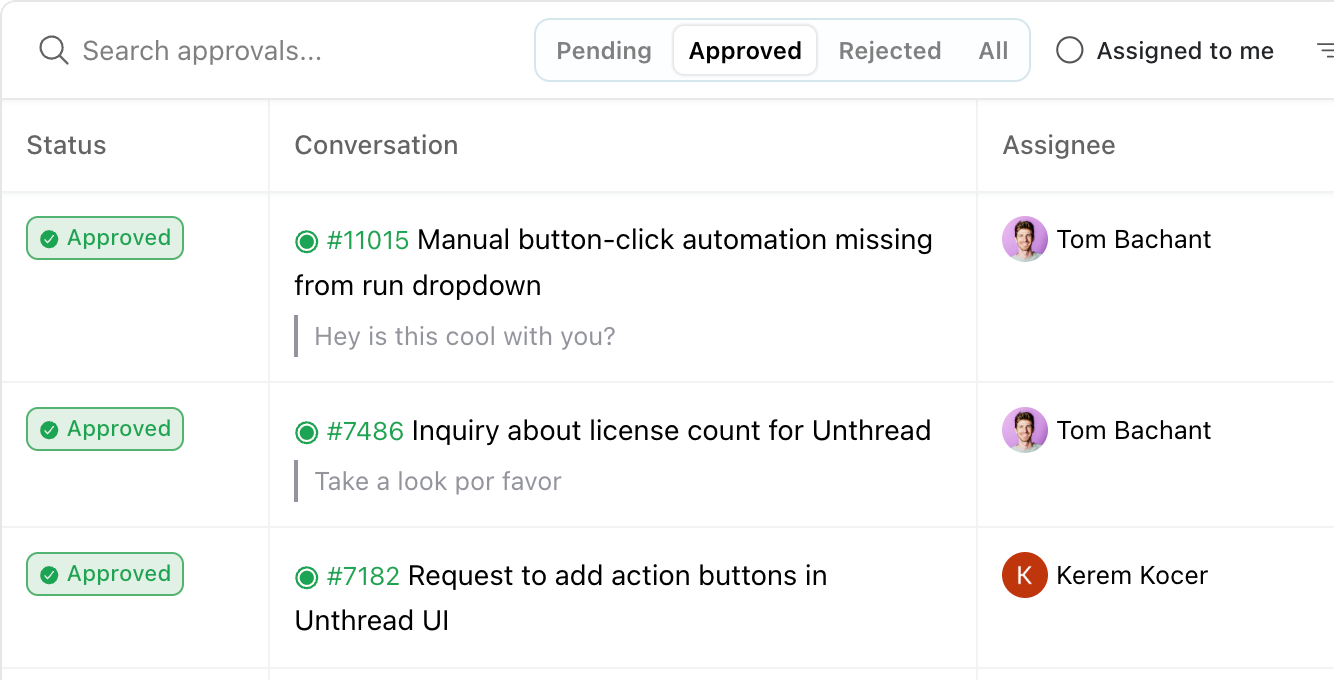
Manage approvals in one place, with a clear view of pending, approved, and rejected items so nothing gets missed
Enterprise Grade Audit Logging
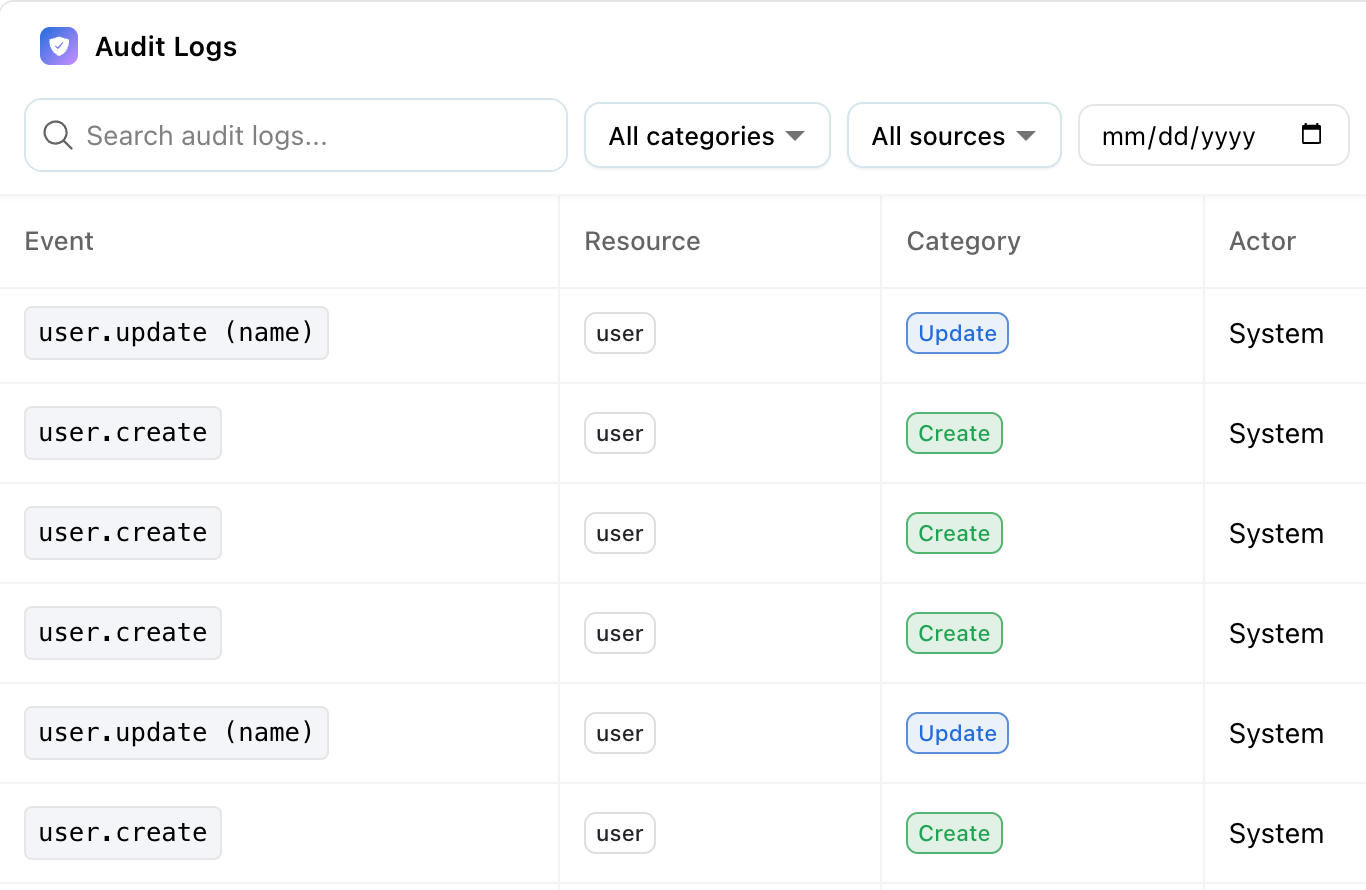
This isn't going to win any awards as the coolest feature we've ever shipped, but we know this is a requirement for most enterprises. You can now track an admin-level view of changes to your Unthread system, including user updates, settings changes, authentication events, and more. This is only available on the Enterprise plan so please contact us if you would like to get access!
Small Updates (but also important)
➡️ Project-specific integrations & multiple task managers: configure task manager integrations per project, so teams can tailor setups to their specific workflows without affecting other projects
➡️ Airtable integration: use Airtable as a knowledge base source for AI responses
➡️ Custom working hours: set different working hours per channel or conversation to better match how your team operates
➡️ Inbox view customization: customize your inbox with emojis, icons, and colors to make it easier to scan, prioritize, and organize incoming work
➡️ New “Read-only” project role: give stakeholders visibility into projects without edit access, making it easier to share context while maintaining control
➡️ Run automations monthly: in addition to our daily & weekly cadences, you can now run scheduled automations on a monthly basis.
➡️ Set automations ordering priority: speaking of automations, you can now specify "precedence" of automations, determining the order in which they run in the event that multiple are triggered simultaneously.
➡️ New "Date/Time" input field type: we now support date & time as a single input field so you don't have to collect both separately.
➡️ Filter multi-select: we've drastically improved the UX of selecting multiple objects when applying a filter in the dashboard.
➡️ Service Catalog in Portal: create custom categories for tickets for users to browse through in your Customer Portal.
What else do you want to see? Send us a message!
- Tom, Co-founder and CEO